
For any service-based business—from local plumbing contractors and legal practices to B2B agencies and IT consultants—inbound phone calls represent the highest-intent sales leads. A prospective customer who takes the time to call your business is actively looking for an immediate solution and is significantly closer to buying than someone casually browsing social media.
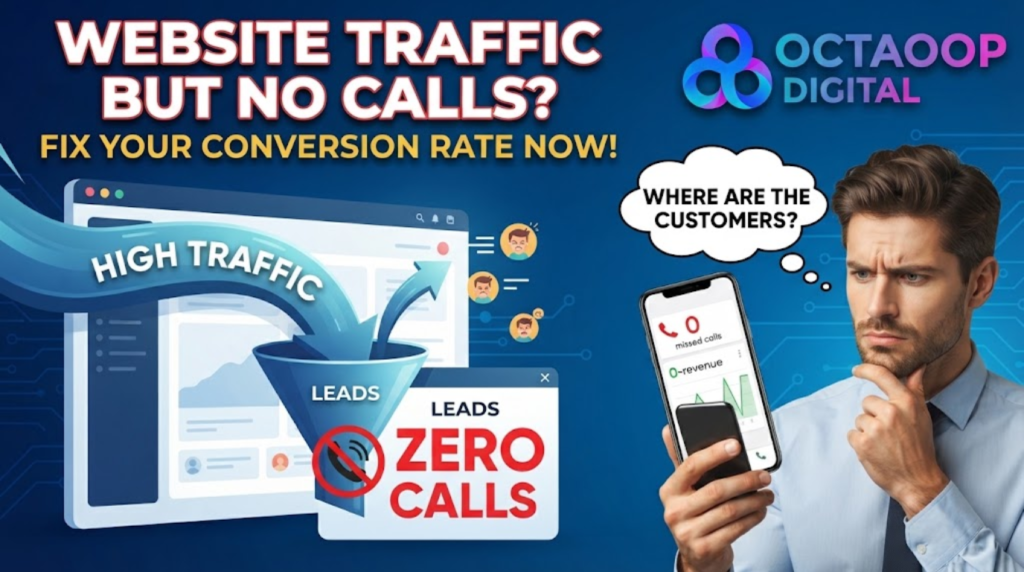
However, many business owners face a frustrating dilemma: Google Analytics shows hundreds or thousands of monthly website visitors, yet the phone remains silent.
Experiencing website traffic but no calls indicates that your marketing is successfully attracting attention, but your digital platform is failing to turn that attention into action.
In this official guide from Octaoop Digital, we explore why high web traffic fails to translate into phone inquiries and outline a practical framework to fix your conversion funnel and get your phone ringing.
The Hidden Gap Between Website Traffic and Phone Calls
Attracting a visitor to your website is only the first stage of customer acquisition. Once a prospective customer arrives on your page, their decision to call depends on immediate clarity, trust, and ease of action:
                           ┌─────────────────────────────────────────┐
                           │   Anatomy of a Call Drop-Off Funnel     │
                           └────────────────────┬────────────────────┘
                                                │
         ┌──────────────────────┬───────────────┴───────────────┬──────────────────────┐
         ▼                      ▼                               ▼                      ▼
┌──────────────────┐   ┌──────────────────┐            ┌──────────────────┐   ┌──────────────────┐
│ 1. Search Intent │   │ 2. Hidden Contact│            │ 3. Lack of Local │   │ 4. Slow Mobile   │
│ Mismatch         │   │ Information      │            │ Trust & Proof    │   │ Page Performance │
├──────────────────┤   ├──────────────────┤            ├──────────────────┤   ├──────────────────┤
│ Visitor wanted a │   │ Phone number is  │            │ No verified 5-   │   │ Page loads slowly│
│ quick call, but  │   │ buried in the    │            │ star reviews or  │   │ or phone link isn't│
│ found generic copy.│ footer or submenus.│            │ local address.   │   │ tap-to-call.     │
└──────────────────┘   └──────────────────┘            └──────────────────┘   └──────────────────┘
When any part of this journey breaks down, prospective customers back out and call a competitor instead.
5 Reasons You Have Website Traffic but No Calls (and How to Fix Them)
If your website receives consistent traffic without generating phone calls, look for these five common conversion bottlenecks.
1. Your Phone Number Is Not Click-to-Call on Mobile Devices
Over 60% of local service searches occur on mobile smartphones. When a mobile user decides to call, they expect to tap your phone number once to open their phone dialer.
- The Problem: Phone numbers published as plain text or images require users to memorize or manually copy and paste digits.
- The Fix: Format every phone instance as an HTML tap-to-call link (
href="tel:+1234567890"). Place a persistent, sticky “Call Now” button at the bottom of mobile viewports so it remains visible as users scroll.
2. Lack of Immediate Local Trust Signals
Online buyers are naturally cautious. If your page does not instantly demonstrate legitimacy and local expertise, users will hesitate to call.
- The Problem: Missing business addresses, no customer reviews, generic stock imagery, or absent industry licensing badges.
- The Fix: Display verified 5-star Google review scores, customer video testimonials, real photos of your team or vehicles, and official industry accreditations prominently near the top of your service pages.
3. Your Headlines Do Not Match Search Intent
When users search for urgent or specific solutions (e.g., “emergency electrician near me” or “commercial SEO services”), they expect landing page copy that immediately addresses their specific problem.
- The Problem: Generic homepages featuring broad corporate slogans like “Welcome to Our Quality Services” rather than direct, benefit-driven headlines.
- The Fix: Create dedicated service landing pages with headlines that mirror user search intent (e.g., “Need an Emergency Electrician in [City]? We Arrive Within 60 Minutes”).
4. Poor Page Speed and Mobile Navigation Friction
Page performance directly impacts conversion behavior. If your site takes longer than two seconds to load on a mobile connection, user frustration rises immediately.
- The Problem: Unoptimized images, render-blocking scripts, or cluttered header menus that hide primary contact buttons.
- The Fix: Compress visual assets into modern WebP formats, remove unnecessary script bloat, and streamline header navigation down to essential options.
5. Absence of a Clear Call-to-Action (CTA) Prompt
You cannot assume website visitors know what step to take next. If you do not explicitly prompt them to call, many will read your content and leave.
- The Problem: Vague buttons labeled “Learn More” or contact forms with no accompanying phone options.
- The Fix: Use explicit, action-oriented prompts such as “Call Our Team Today for a Free Quote” or “Speak Directly with a Senior Specialist.”
Non-Converting Website vs. High-Call Conversion Architecture
Comparing an unoptimized web setup against a platform engineered for conversion highlights why structural tweaks directly drive phone inquiries:
| Conversion Element | Low-Call Web Architecture | High-Call Conversion Platform |
| Mobile Phone Link | Plain text phone numbers buried in site footers. | Prominent, sticky tap-to-call buttons fixed on mobile viewports. |
| Headline Structure | Vague messaging focused on company history. | Clear, search-intent headlines highlighting immediate benefits. |
| Trust Indicators | Testimonials hidden on an obscure subpage. | Embedded Google review badges and verified customer feedback alongside CTAs. |
| Page Speed | Slow load times (>3.5s) driving mobile drop-off. | Rapid page rendering (<1.5s) passing all Core Web Vitals checks. |
| Call-to-Action | Soft prompts like “Submit” or passive copy. | Direct, high-contrast action prompts inviting immediate calls. |
4-Step Checklist to Turn Your Traffic into Phone Calls
Follow this step-by-step optimization process to convert existing visitors into active phone inquiries:
1.Audit User Behavior with Session Recordings:Step 1.
Use behavioral analytics tools like Microsoft Clarity or Google Analytics 4 to observe where mobile visitors drop off and identify usability friction near phone prompts.
2.Implement Mobile Tap-to-Call Functionality:Step 2.
Ensure all phone numbers across your site are coded as HTML tap-to-call links (tel:) and add a persistent mobile call bar for smartphone users.
3.Add Contextual Social Proof Beside Contact Points:Step 3.
Embed verified Google review scores, customer rating stars, and industry badges directly adjacent to your primary phone call buttons.
4.Optimize Page Load Speed and Core Web Vitals:Step 4.
Compress media assets, clear render-blocking scripts, and improve server response times using diagnostics from Google PageSpeed Insights.
Integrating Conversion Optimization into Your Growth Plan
Fixing a website that generates traffic but no calls works best when integrated with a broader digital marketing and site optimization strategy.
To explore complementary strategies, pricing models, and design frameworks, review our full guides on low conversion rate website fix, poor website ux signs losing customers, 5 signs your business needs a new website, and professional web redesign.
To understand how speed and technical SEO impact lead conversion, consult our breakdowns on whats the page speed score, why SEO is important for website, fix your site’s SEO fast, fix organic search, underperforming SEO campaigns, and bad SEO signs.
When evaluating paid acquisition vs organic traffic, review high roi google ads agency and SEO vs PPC in 2026. For service-specific campaigns, read our specialized guides on cost of seo for driving school, seo for driving school, and uk driving school seo.
For marketing budget planning and strategy options, explore average cost of SEO marketing and website, seo cost for website, best monthly seo plans for small businesses, monthly seo plan, affordable uk seo agency pricing and packages, hiring agency vs freelancer, marketing for new businesses, growth marketing for new businesses, strategies for business growth, Generative Engine Optimization (GEO), and ranking in ChatGPT Search UK.
Official web usability and technical search standards can be reviewed directly via Google Search Central alongside research from the HubSpot Marketing Blog.
To partner with experts who specialize in converting traffic into qualified calls, explore Octaoop Digital Web Design Services and custom Octaoop Digital SEO Services.
Turn Your Website Traffic into Calls with Octaoop Digital
High web traffic without phone inquiries is a missed revenue opportunity. By optimizing your mobile user experience, clarifying your call-to-action prompts, and placing trust signals where decisions happen, you can turn existing traffic into a reliable source of phone leads.
At Octaoop Digital, we build fast, high-converting custom websites engineered to turn online traffic into direct phone calls and inquiries.
Is your website generating traffic but no phone calls? Contact the Octaoop Digital Strategy Team today to request a detailed website conversion audit and lead optimization strategy.